
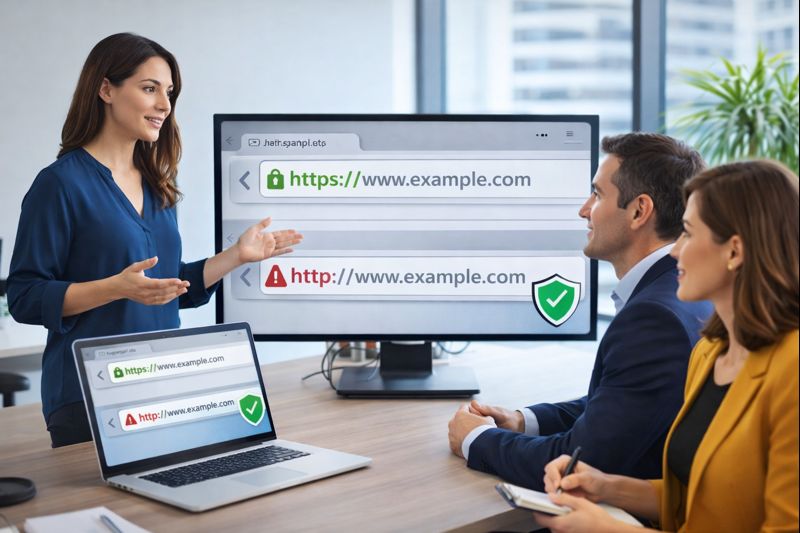
What’s the Difference Between HTTP and HTTPS?
If you’ve ever noticed that some website addresses start with HTTP while others use HTTPS, you might have wondered what the difference is. It’s not just a small change—this one letter can make a big impact on security and trust.
HTTP stands for Hypertext Transfer Protocol. It’s the method used by web browsers to communicate with websites. However, HTTP doesn’t encrypt the information being sent, which makes it easier for hackers to steal sensitive data like passwords or payment details.
HTTPS, on the other hand, adds an extra layer of security. The “S” stands for “Secure,” meaning the website encrypts all communication to keep data safe from hackers. This is possible because of an SSL certificate, which protects user information from being intercepted.
Why Your Website Needs HTTPS
If you own a website, making the switch to HTTPS is a smart move. Here’s why:
1. Keeps Your Website Secure
With HTTPS, your website encrypts all data, making it much harder for hackers to steal information. This is crucial for sites that handle login details, payments, or personal data.
2. Builds Trust With Visitors
People feel safer when they see the padlock icon in their browser’s address bar. This simple symbol signals that a website is secure. If your site still uses HTTP, visitors might hesitate to share their information.
3. Helps Your Site Rank Higher on Google
Google prefers secure websites. In fact, HTTPS is a ranking factor in its algorithm. If you want your site to appear higher in search results, securing it with HTTPS can help.
4. Prevents Security Warnings
Web browsers like Chrome and Firefox warn users when they visit an HTTP site. These warnings can scare visitors away, reducing traffic and trust in your site.
5. Improves Website Performance
HTTPS isn’t just about security. It can also make your site faster. Modern web technologies work better with HTTPS, resulting in a smoother experience for visitors.
How to Switch to HTTPS
Transitioning from HTTP to HTTPS isn’t as complicated as it might seem. Here’s a simple process to follow:
- Get an SSL Certificate – Many providers offer them for free (such as Let’s Encrypt), or you can buy one from a trusted vendor.
- Install the Certificate – Your web hosting provider can usually assist with this step.
- Update Website Links – Make sure all internal links use HTTPS instead of HTTP.
- Set Up Redirects – Use 301 redirects to ensure visitors and search engines go to the secure version of your site.
- Check for Mixed Content Issues – Ensure that every element on your site (images, scripts, etc.) is loaded securely.
The Bottom Line
Switching to HTTPS isn’t just a good idea—it’s essential. It keeps your site safe, helps build trust with visitors, boosts your SEO rankings, and ensures a smooth user experience. If your site is still running on HTTP, now is the time to make the switch.
A secure web benefits everyone, so take the next step today and make your website a safer place for your users.